There are multiple ways to select symbols.
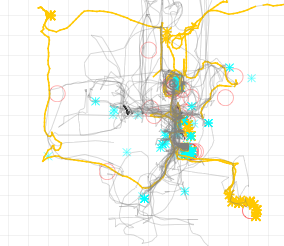
Clicking Tools-->Show avatars brings up the avatars panel and shows a list of avatars. Here you can select one or more avatars.
If the select group of avatars has any chat, then the "Show chat" button becomes enabled. You can also click on the button labeled "Avatar actions" to show the selection panel. Using this and the avatars panel, you can select any subset of symbols or select all symbols. See Changing appearance of symbols.
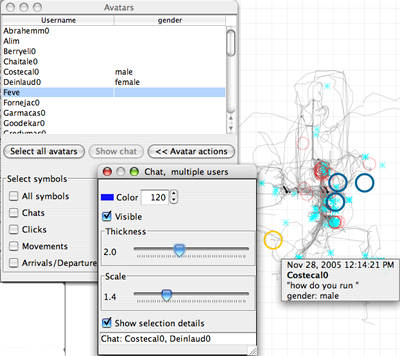
Note that selecting symbols through this pane does not highlight them. This may be changed in the future if needed.
